Cogg (Free Effects Plugin)
A downloadable plugin for Windows and macOS
COGG on KVR Audio: https://www.kvraudio.com/product/cogg-by-plasmatic
COGG on Github: https://github.com/enplasmatic/CoggPlugin
Turn EVERY sound into something industrial.
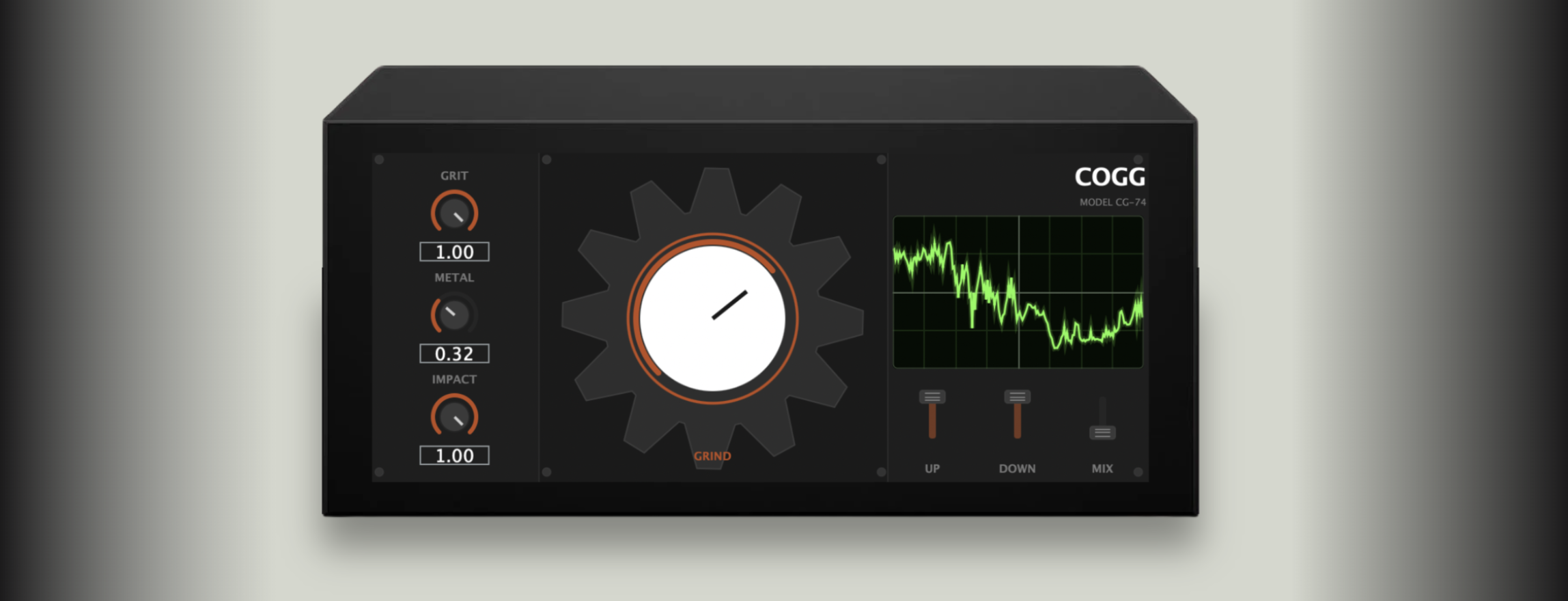
From the metallic sea arises COGG by Plasmatic. Featured on several websites and review blogs, it's a FREE effects plugin (VST3/AU) that transforms your audio with a chain of metallic processing.
Simply turn up the Grind knob and watch the cog spin faster to begin metallizing your sound. Or, if you prefer more control over your sound, adjust the other knobs to perfect and fine tune the metallic mayhem!
Specifically, COGG uses granular pitch layering, harmonic distortion, and a convolution reverb built from synthetic metal plate impulse responses.
Every knob:
- Grind: the central macro. Dial up the intensity and watch the cog spin faster as your sound gets crushed and driven harder.
- Impact: metallic attack shaping. High impact gives you a sharp, distorted hit at the front of every note that decays into something calmer
- Metal: convolution reverb using a synthetic metal plate IR for resonant space
- Gain: controls the volume of the output from COGG
- Grit: harmonic exciter that folds odder harmonics into your signal for some industrial texture
- Up & Down: layer pitch-shifted voices above and below your dry signal
- Mix: strength of the plugin over the sound
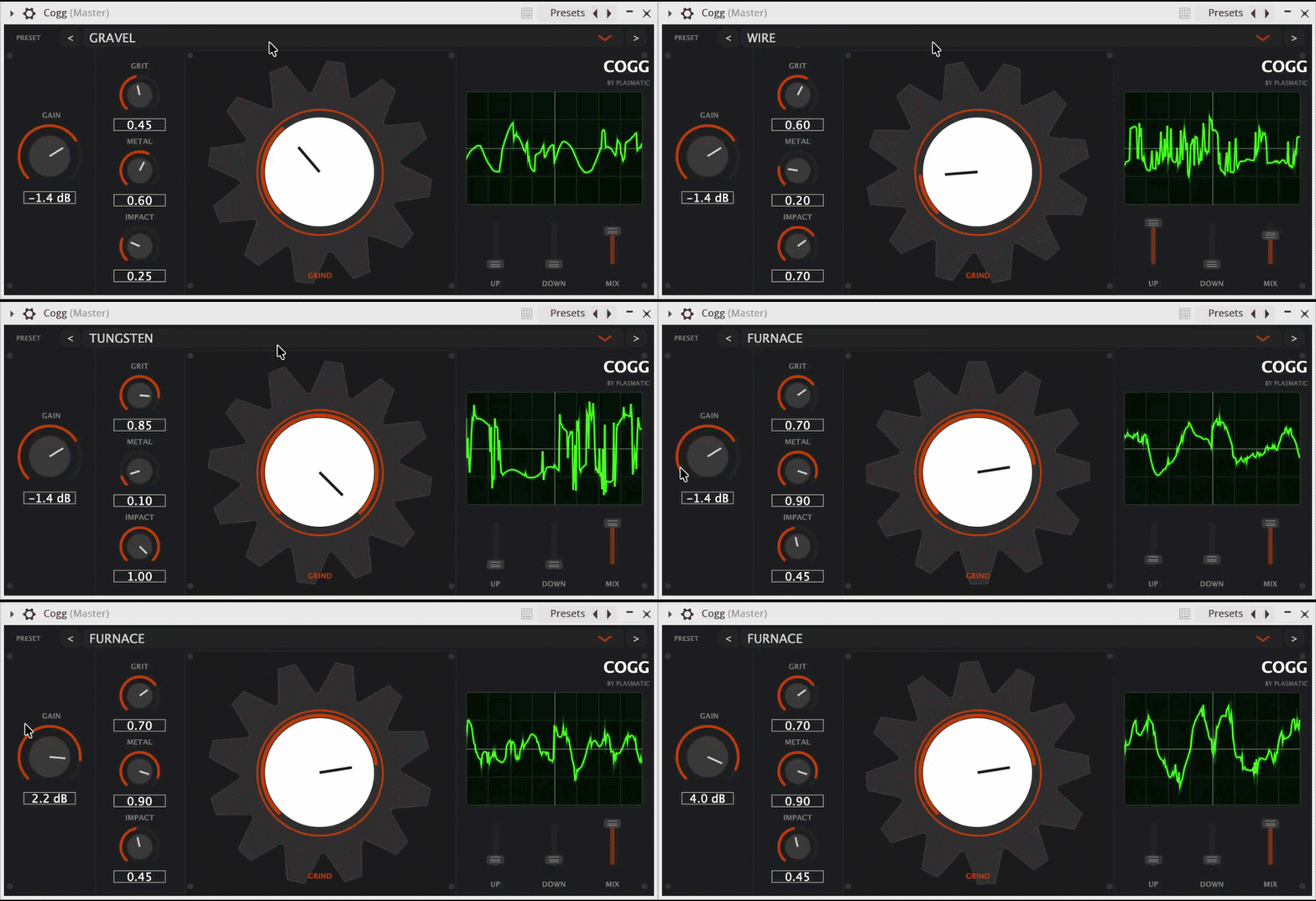
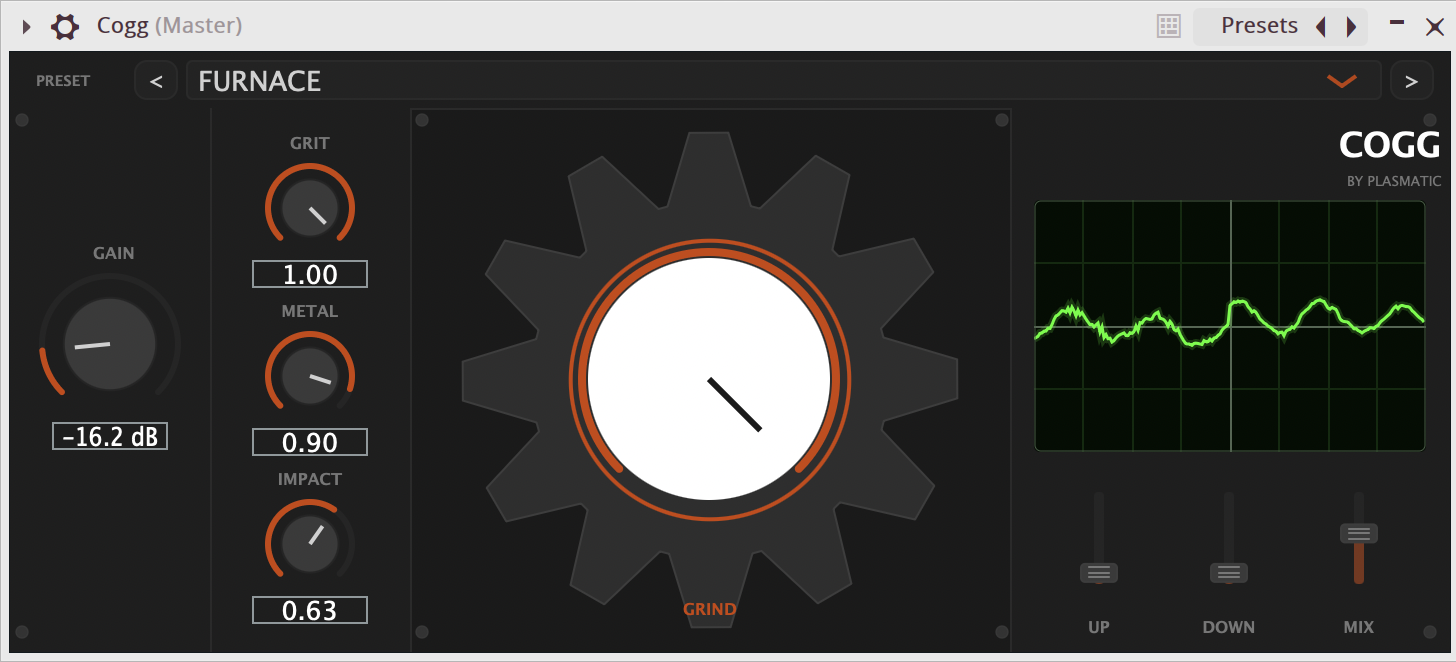
COGG comes with 12 free presets that can be modified to fit your sound!
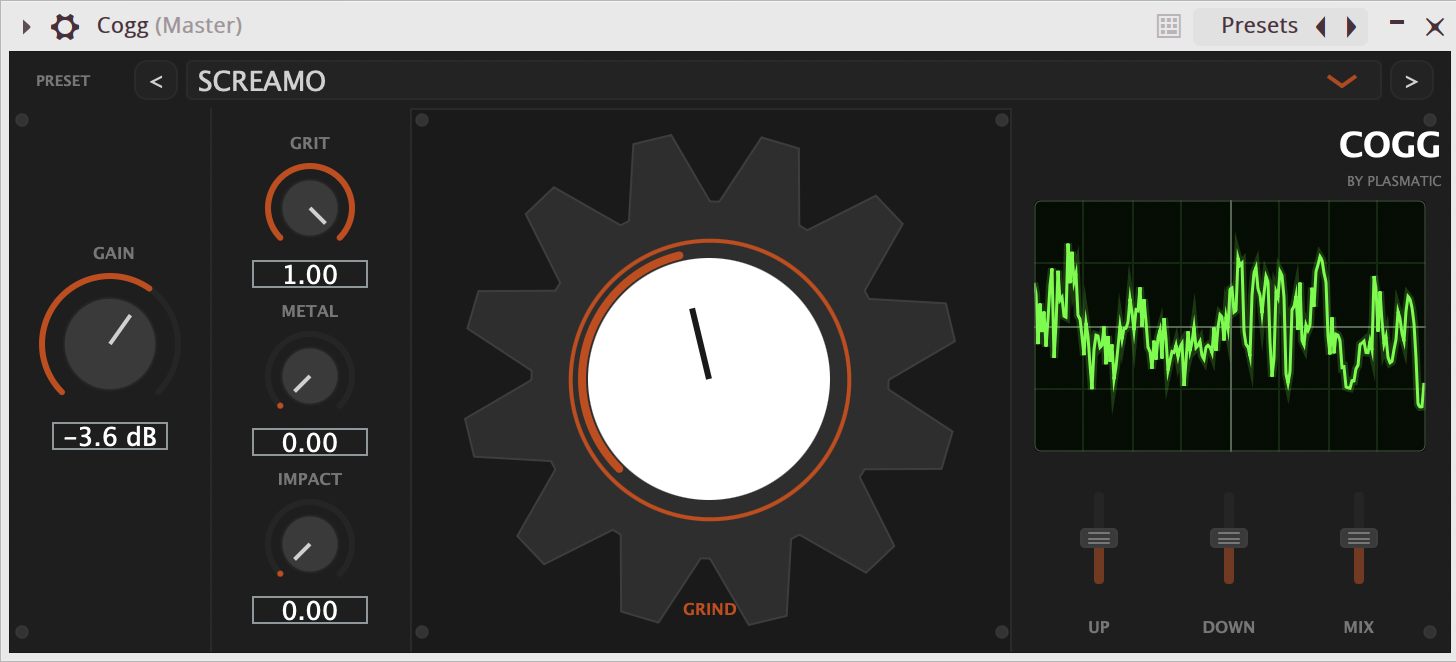
Watch real-time corrosion as you drop Cogg on a synth pad, bass, lead, even a banjo! Put it on a drum loop and hear the crush. Run your vocals through it and obtain screamo-style metal vocals.
This was made with a rotating gear UI and a live CRT oscilloscope display. Looks as good as it sounds.
Free. No accounts required. Just download and destroy!
MUSIC MADE WITH COGG
Produced By Stung!
Produced by waiq!
Produced by Plasmatic!
and more!!!
YOU can be here too, just comment on my videos with the link to your creation that used Cogg!
Send me EVERYTHING and ANYTHING you make with Cogg!
Download
Install instructions
IF YOU NEED HELP WITH INSTALLATION
If you're downloading the Mac VST3 file:
- Unzip the file
- Drag cogg.vst3 to ~/Library/Audio/Plug-Ins/VST3/
- If an error occurs, run the quarantine removal command in Terminal, which is (without quotes): "xattr -rd com.apple.quarantine ~/Library/Audio/Plug-Ins/VST3/Cogg.vst3"
- Use the respective tool to rescan plugins in your DAW
If you're downloading the Windows VST3 file:
- Unzip the file, click through the folders. Once you see a folder called x86_64-win, click on it, there should be a file called cogg.vst3
- Drag cogg.vst3 to C:\Program Files\Common Files\VST3\
- Use the respective tool to rescan plugins in your DAW
If you're downloading the Mac AU file:
- Unzip the file
- Drag cogg.vst3 to ~/Library/Audio/Plug-Ins/Components
- If an error occurs, run the quarantine removal command in Terminal, which is (without quotes): "xattr -rd com.apple.quarantine ~/Library/Audio/Plug-Ins/Components/Cogg.component"
- Use the respective tool to rescan plugins in your DAW
Note: sometimes there is an error that fails to tell if COGG is an effect or synth plugin in FL Studio (depends on Mac version), so you can set it to Effect in the plugin scan menu by double clicking on Cogg and applying changes.
Thank you for downloading! Any suggestions for this plugin will be highly appreciated in the comments below. Follow for more free plugins!
Development log
- Free Plugin Cogg v1.2 is OUT! New GAIN KNOB + New Presets!12 days ago
- My free plugin COGG's presets are now fixed in Version 1.1.1!39 days ago
- Free Plugin Cogg v1.1 is OUT! Use PRESETS!42 days ago
- My free plugin COGG will be released on KVR Audio soon!50 days ago
- Fixed MAC build of the free effects plugin COGG!51 days ago
- Windows version of Cogg NOW FIXED!52 days ago
Comments
Log in with itch.io to leave a comment.
Catalina 10.15 Intel / Ableton Live Suite 11
AU "this audio unit v2 plugin could not be opened"
Vst3 not scanning into browser
This is happening to me a lot, the past 2-3 months. I think it may be Intel related. A couple developers found a fix.
Plugin looks cool.
did you attempt the command I listed in the install instructions? and if you have any further details on the bug / details on the developers’ fix that’d be really helpful as I can’t seem to recreate this bug at all
I'm very strongly feeling that it has to do with old Catalina and Intel. I did the terminal etc. I am pretty versed in plugins and installation after decades. It's just not coming up in the daw browser when searched
I've helped a few developers with this issue, this week. They found it was relevant to Catalina Intel
I'm trying to get a clear message to relay re "fix"
Please email me at dreadlion13@gmail dot com
Be quicker than this. Thx
u can also try clearing the ableton plugin cache as I heard it works from other people
I tried everything. It has a compatibility issue with Catalina 10.15 intel. I just helped an independent developers with the same issue. He is modifying his plugin suite today to lower than OS 11.0 requirement. It happens often these days. Developers aren't aware when they have newer machines. Most are willing and able to revise, once they're aware. Let me know if figure it out. The plugin looks very interesting. - Rob
how do i mark it as an effect
after you complete the install instructions on the itch.io page:
you can go to Options -> Manage Plugins
Click "rescan plugins w/ errors" and then click find plugins (or the equivalent).
Then, double click Cogg (you might have to find it or search for it if you have a lot of plugins), and click Type -> Effect
windows version doesnt work
my bad bro, i did not realize that the build was incorrect, but the windows version is fixed now! you can redownload using the itch io page again.
the cogg windows file seems to be for mac, tried putting it into fl and didnt show up
my bad bro, i did not realize that the build was incorrect, but the windows version is fixed now! you can redownload using the itch io page again.
works now, thank you <3
good to know :)